 PawMambo
01 / REFERENCE-GUIDED MOTION
A Dance Shaped by the Video
Your selected clip is sent as a video reference alongside the dog photo. We still need to test how closely the generated dance follows its movement and timing.
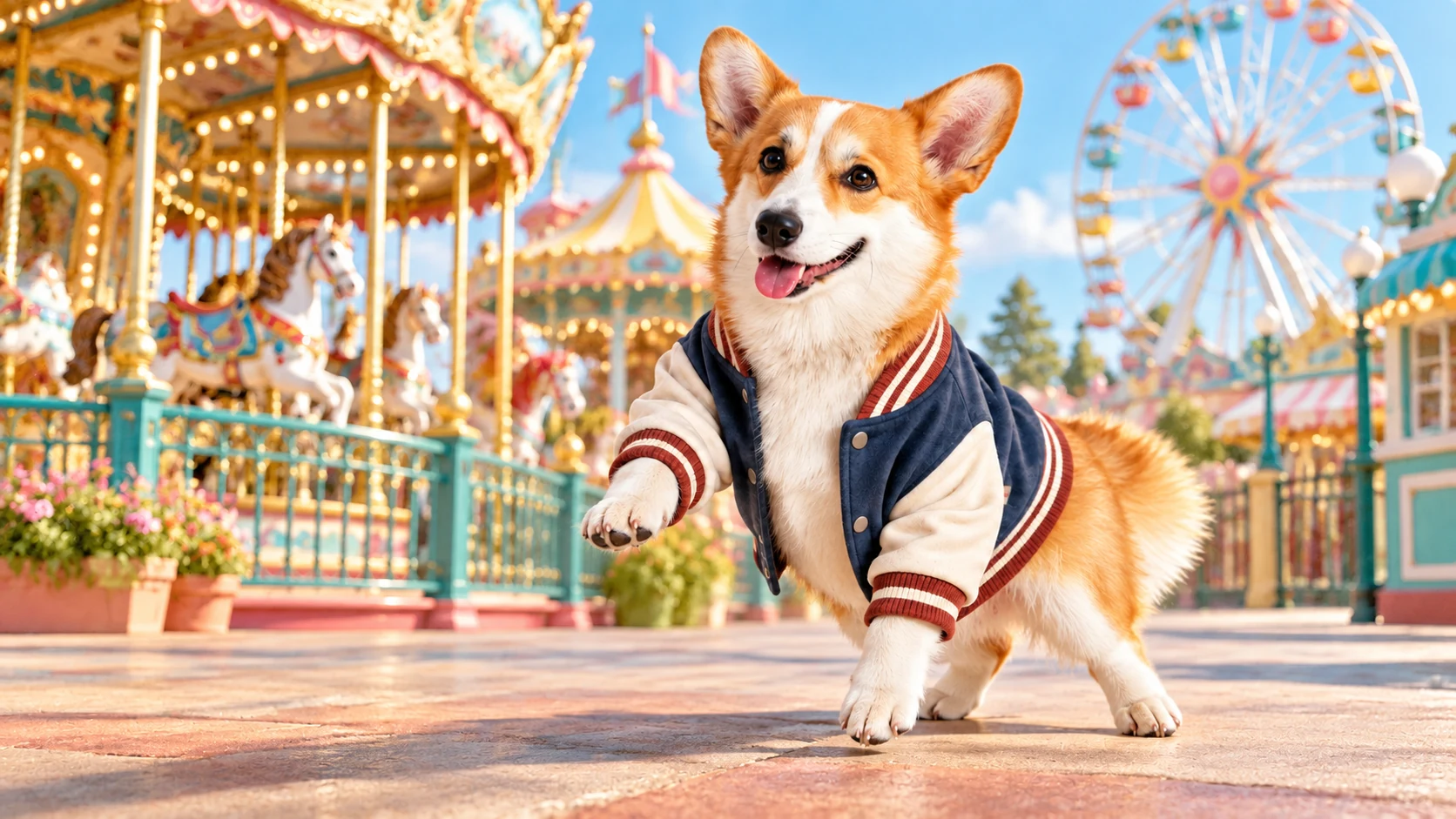
Choose one clear photo of your dog.
Explore dance ideas or add your own reference video.
These examples are for viewing. Choose My video and upload a dance reference to generate.
Add a dog photo and your own dance reference to make a video.
Built around your dog's appearance and the moves in your reference clip. Sample results are still being tested.
Your selected clip is sent as a video reference alongside the dog photo. We still need to test how closely the generated dance follows its movement and timing.
Your photo is the visual reference for the dog's face, coat, and markings. A clear image gives the model more detail to carry into the video.
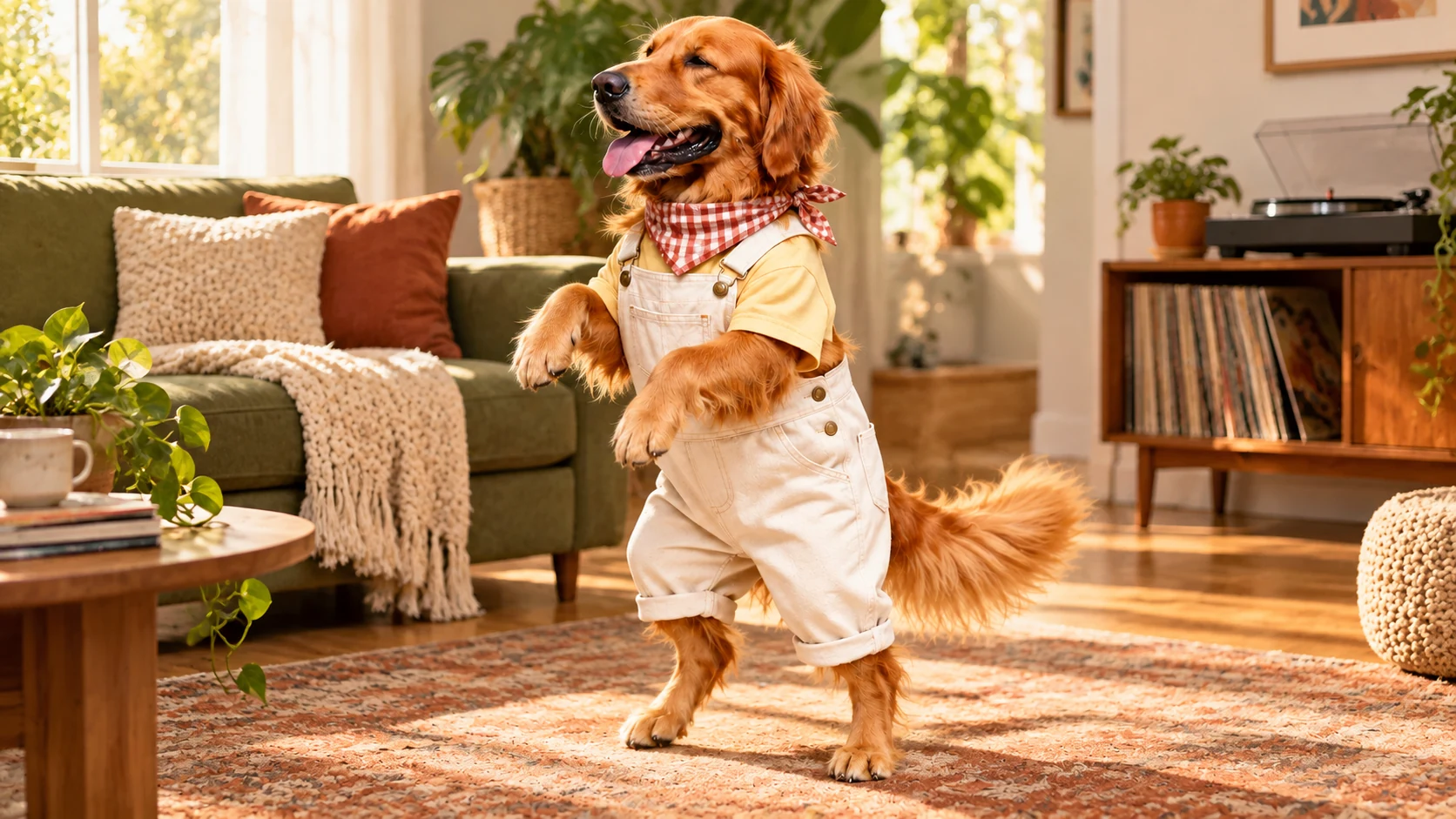
The goal is a connected sequence of steps and turns guided by your clip. Watch the first finished example in the studio above.
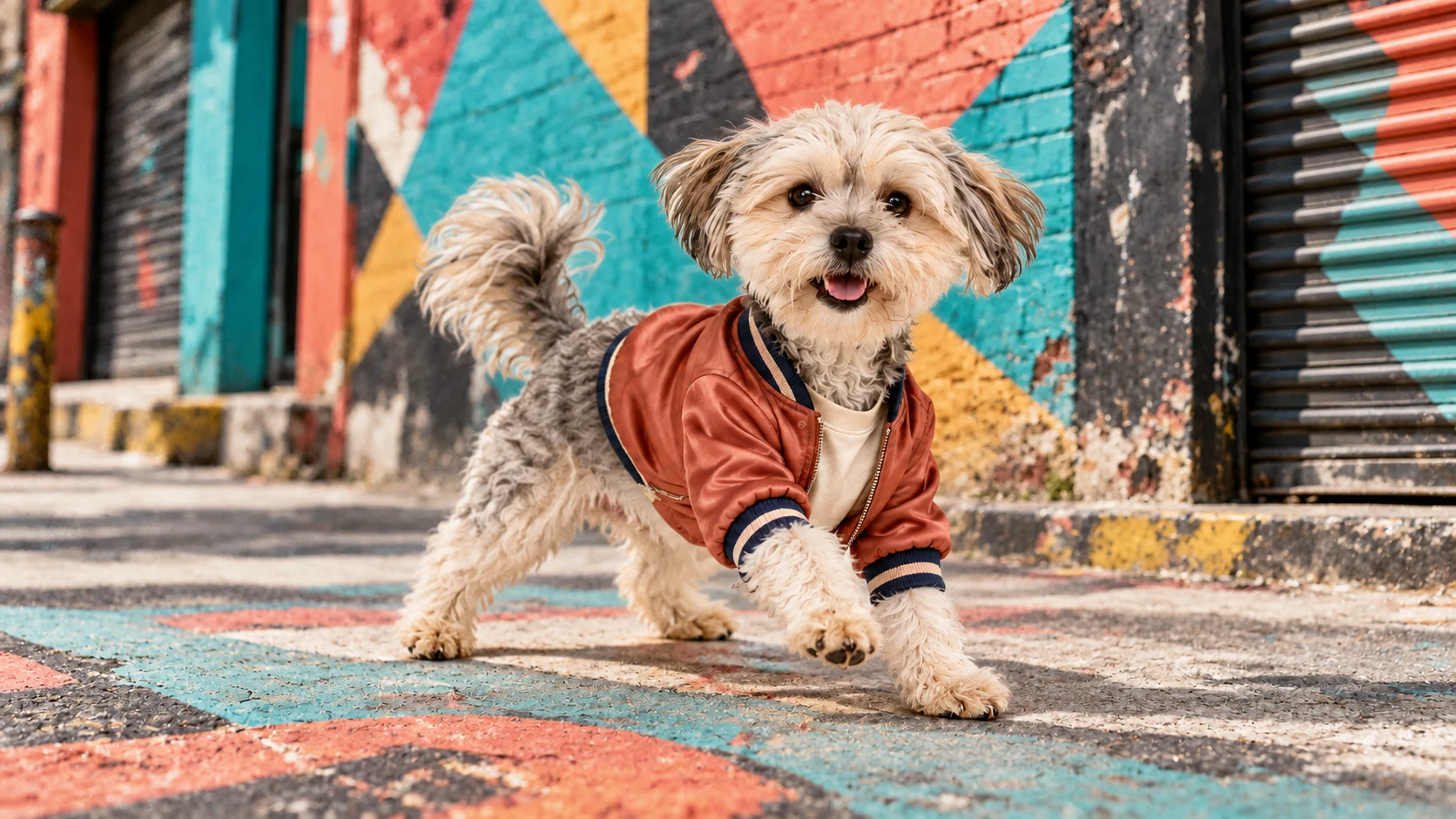
Videos use 720p output. Final sharpness will depend on the source photo and the generated result.
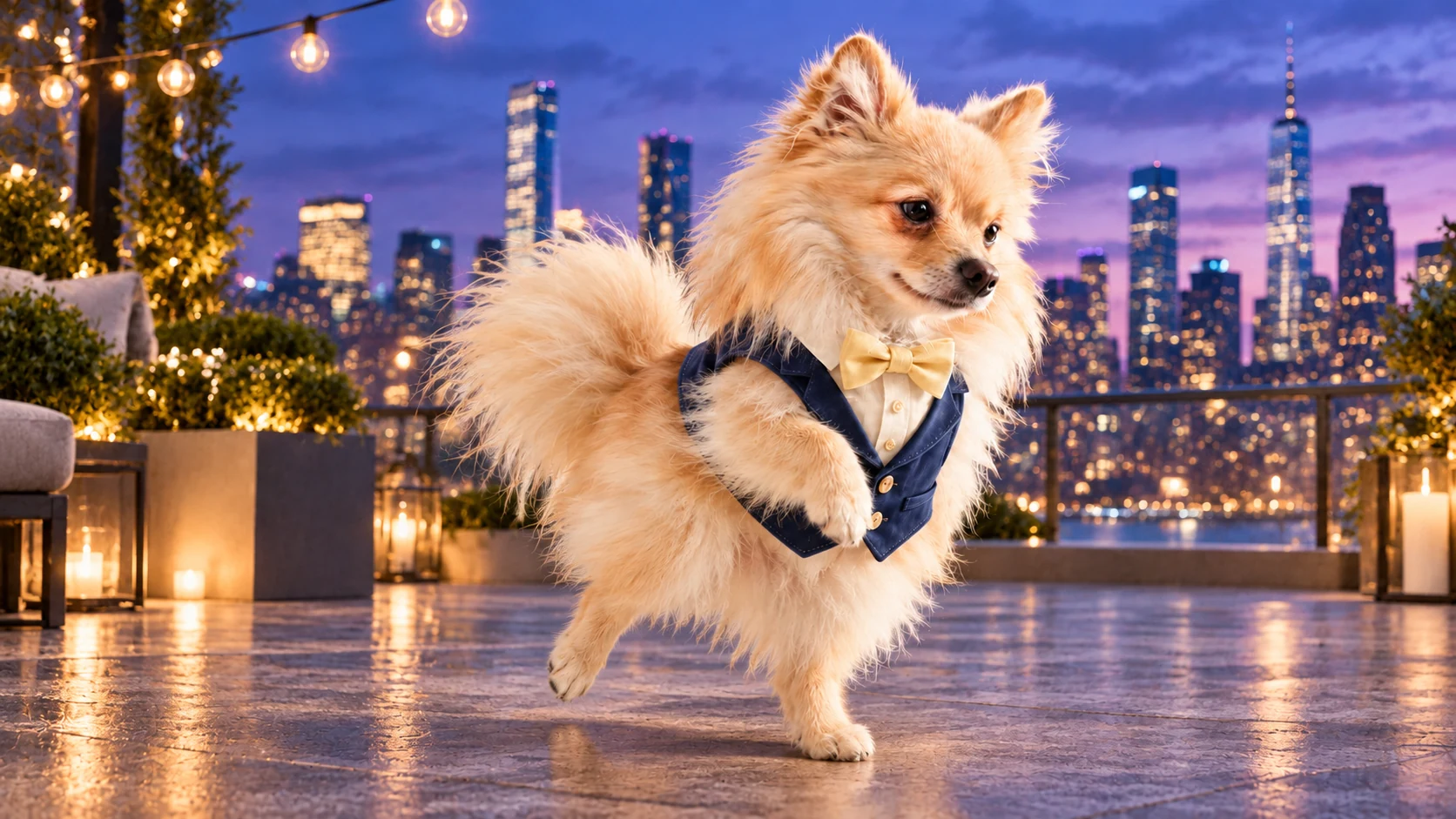
Choose a dog photo and the dance you want to reference.
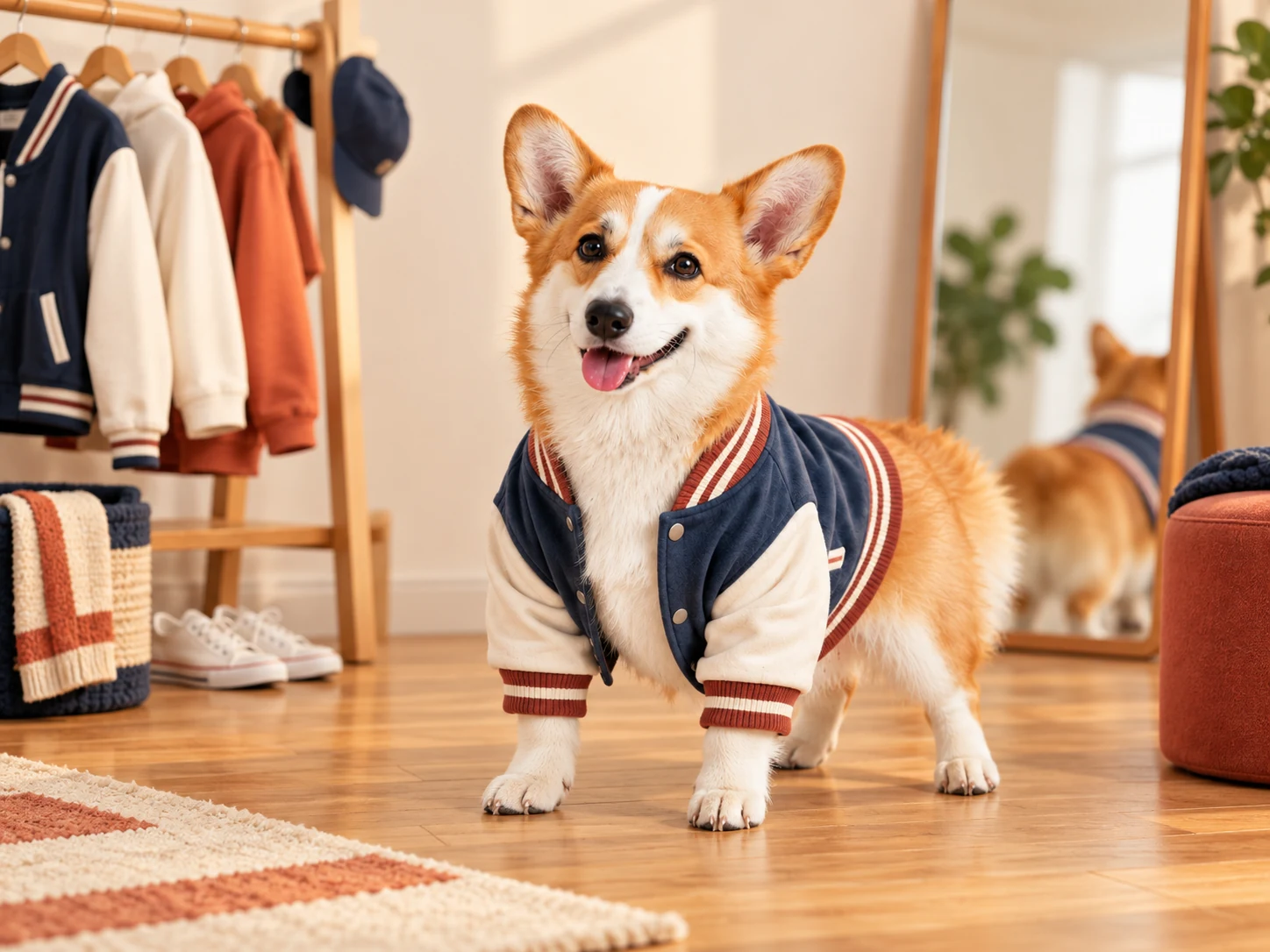
Choose one JPG or PNG photo up to 8 MB. Pick a clear view of your dog.
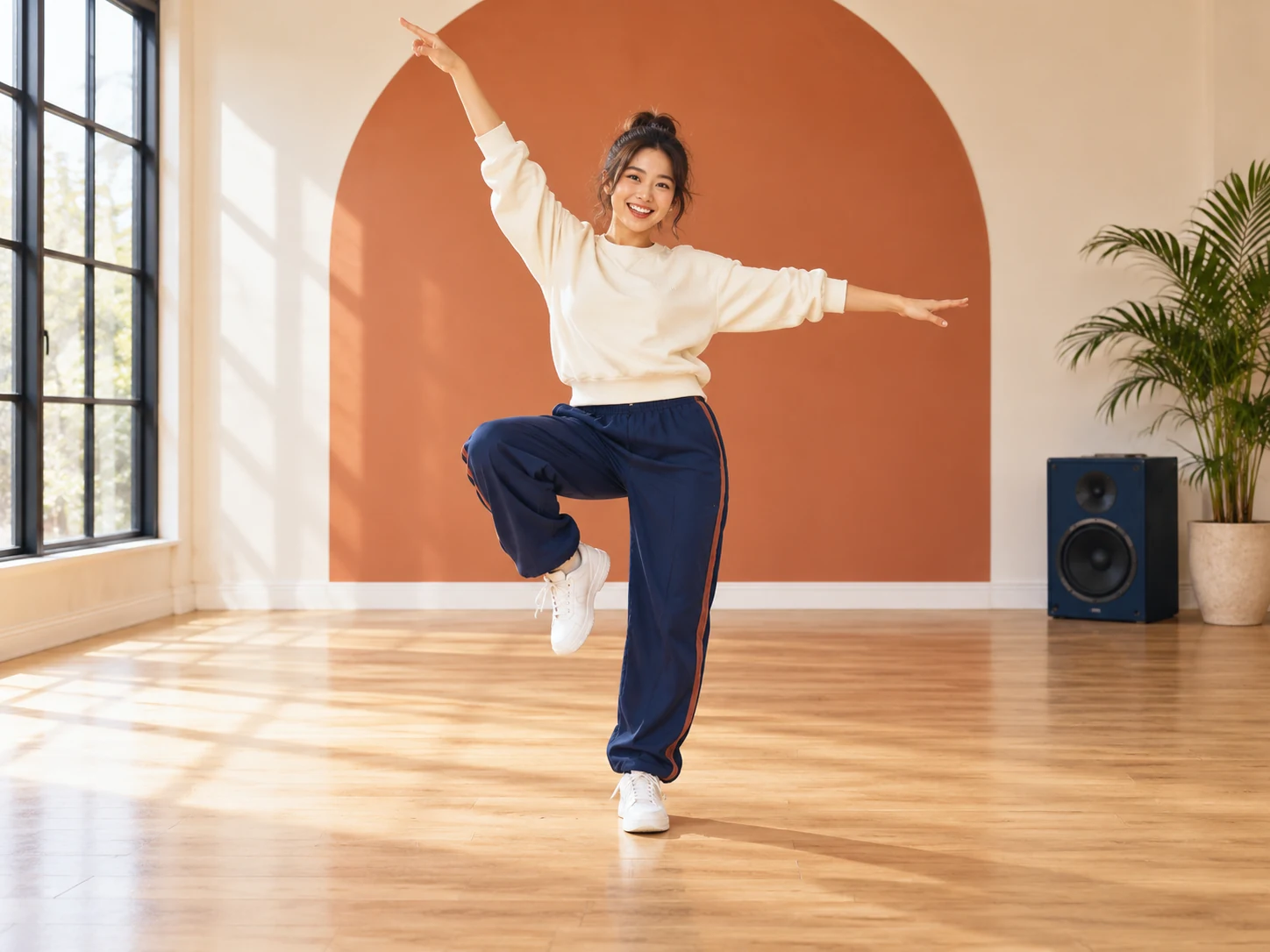
Explore dance ideas, then upload your own short reference video to generate.
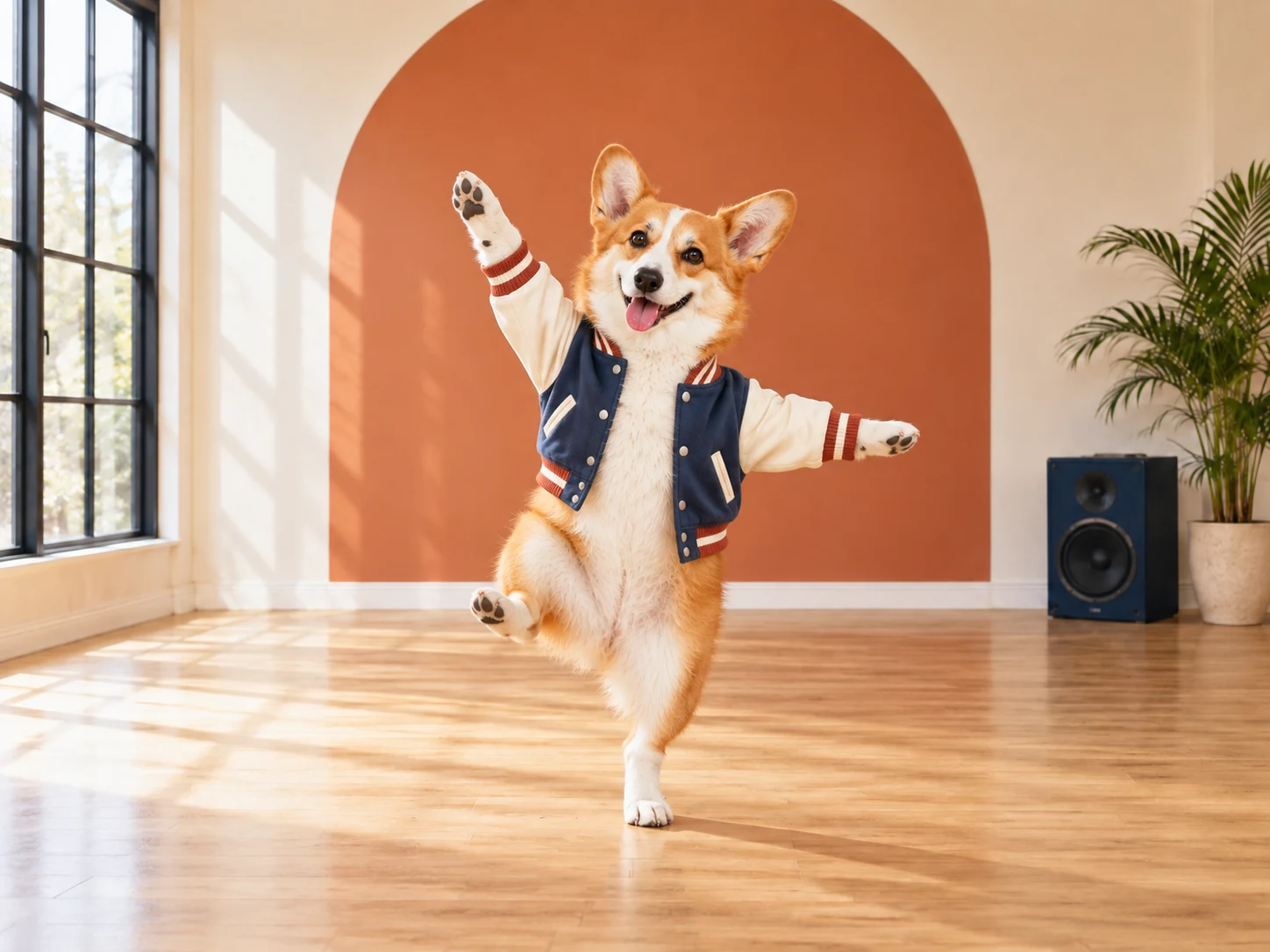
Sign in, submit your photo and video, and check the result here.
For pet accounts, birthday posts, or a quick message to a friend, start with a dog photo you already have and choose a mood.
No new shoot or editing timeline to set up.
Watch the two finished examples in the studio for inspiration.
A dance clip could open a post, answer a comment, or stand on its own.
When a result is ready, use it in a post or send it to a friend.
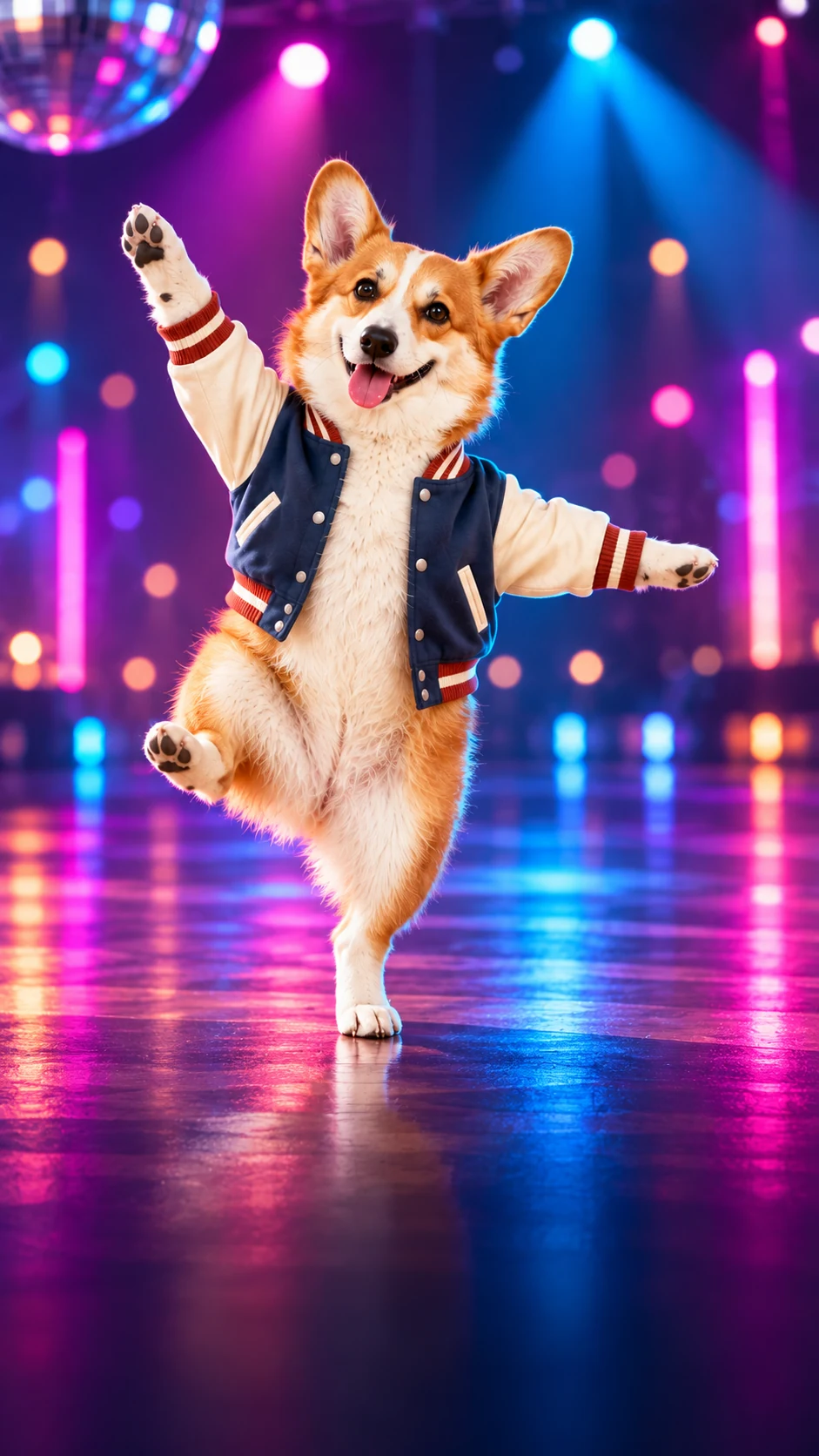
PawMambo is a photo-and-dance-reference studio for dog videos. Add one dog photo and your own short reference video to try generation. The finished preset videos are viewing examples and are not submitted to the video model.
Choose a clear dog photo, switch to My video, and select your own 3- to 30-second reference clip. Sign in, then select Generate dance. Choosing files alone does not upload them.
Choose a sharp, well-lit photo with one dog as the main subject. Keep the face and body visible, with a little space around them.
Select a video from your device to guide the dance. The result may keep its original sound, but this is not guaranteed. No separate audio upload is needed. The finished preset videos are viewing examples only.
Choose one JPG or PNG photo up to 8 MB. You can change or remove it before generating.
You can select a cat photo in the interface, but cat results have not been tested. PawMambo is focused on dogs.
The motion-control request accepts a 3- to 30-second reference video and produces a 720p result. The output length usually follows the reference clip; actual timing and framing may vary.
When your video is ready, Copy video link creates a PawMambo share page that opens with your video in the left player. Download video saves a personal copy. Your profile lists submitted jobs and any share page you have created.
Yes. Sign in, add a dog photo and your own reference video, then select Generate dance. AI generation can still fail, and failed generations cost 0 PawMambo credits.
Explore dance ideas, then add your own reference video to try a dance.